
Install the MOGO Cloud
MOGO Cloud
See below for instructions on how to install the MOGO Cloud.
Chrome
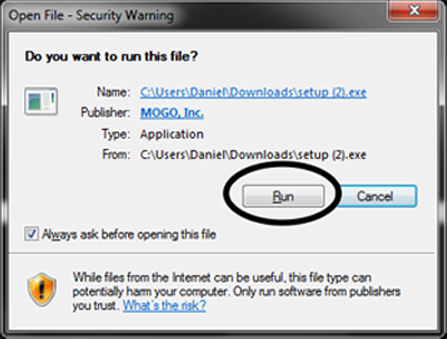
After Clicking “Install Now” Click ‘Run and Follow on-screen prompts
Firefox
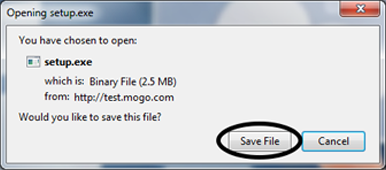
After Clicking ‘Install Now’ click ‘Save File’.
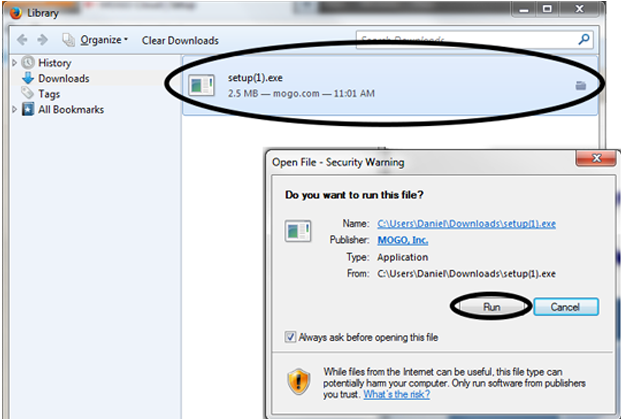
In the ‘Downloads Library’ double click on SETUP.EXE and click ‘Run’, then follow on-screen prompts.
Edge/Internet Explorer
After Clicking ‘Install Now’ click ‘Run’ and follow on-screen-prompts
